Employee portal (intranet) for your company
On day one, a new employee gets their onboarding plan, instructions and tasks in one place, and their manager sees what is done and what is late.


- Built around how your company works
- Works on a phone, no app needed. Want an app?
Hello, Agnė
Warehouse administrator, first day 16 November
- Work regulationsSign with an e-signature
- Warehouse safety instructionVersion 3, updated 2 October
- Work phone and accessJonas from IT sets it up, by 12:00Being set up
- Meeting with mentor Tomas11:00, warehouse office
- Warehouse system trainingWith Tomas, by 18 November
- Personal data formFor HR, by 20 November
- End-of-probation reviewWith manager Inga, 14 DecemberScheduled
What changed since version 2: the forklift zone is marked with a yellow line.
- Wear safety boots and a high-visibility vest in the warehouse.
- Do not enter the forklift zone while a forklift is moving.
- Report any injury to the shift supervisor straight away.
New hires
Warehouse, production and sales departments
Agnė K.: 0 of 7 done
Agnė has logged in and sees her first-day plan. Inga sees that she has started and doesn’t have to send anything by email.
Example. The company, employees and tasks are made up.
What does a new employee’s first day look like?
A new hire usually gets information by email, instructions are kept in different places, and the manager doesn’t know what is already done.
Without a portal
The new hire waits until someone has time to show them everything.
Instructions arrive in several emails, and some of them are already out of date.
The work phone isn’t ready, because IT only heard about the new hire that morning.
The manager asks around what is done, and nobody knows for sure.
Every new hire is onboarded differently, depending on who has time that day.
With a portal
The new hire logs in and sees their first-day plan.
They read the instructions in the portal and confirm they have understood them.
The phone is already ready: IT got the task as soon as the first working day was entered.
The manager sees in one place what is done and what is late.
Every new hire goes through the same plan you approved.
What will employees find in the portal?
We start with what your HR team needs most. Other parts can be added later.
A plan for every role
HR builds the plan for a role once, and the portal assigns it to each new hire based on their first working day.
- First-day, first-week and first-month tasks
- A person responsible for every task: IT, mentor, manager
- Reminders before the deadline and after it passes
- The manager sees the progress of all their new hires
Instructions with search and versions
Policies, templates and instructions in one place. When an instruction changes, the portal asks the people it applies to to read it.
- Search by word, department and role
- Every version is saved with its date
- You see who has read and confirmed it
- Templates: requests, reports, contracts
What has to be done, by when, and who approves it
The task goes to the person who does it and is approved by the person responsible for it. Reminders go out on their own.
- Deadlines and owners
- Approval in one click
- Reminders by email and in the portal
- Recurring tasks: weekly, monthly
Leave, business trip and purchase requests
The employee fills in a form, the manager approves it on their phone, and HR receives a request that is already approved.
- Leave, business trips, purchases, IT help
- Approval steps that follow your procedure
- Leave balance from your HR system
- Signing with an e-signature
News for the people it is meant for
News can go to the whole company, one department or one shift, and the contacts show who is responsible for what.
- News by department, shift and role
- Staff directory with roles and phone numbers
- New colleagues and their roles
- Key links in one place
How does onboarding a new employee work?
HR is left with the least work: you build the plan once, and from then on the portal hands out the tasks and sends the reminders itself.
- YouBuild a plan for each role
You list the tasks, instructions and responsible people once. We help you build the plan.
- YouAdd the new hire
Name, role and first working day. If you have an HR system, the data comes from it.
- SystemHands out the tasks
IT, the mentor and the manager get their tasks with deadlines in advance.
- New hireWorks through the plan
Reads and confirms instructions, signs documents, ticks off completed tasks.
- SystemReminds and shows progress
It reminds anyone running late itself, and the manager sees the progress of every new hire.
Your work: the plan, once, and entering the new hire. Everything else happens in the portal.
What does the portal connect to?
Employees log in with the account they already use, and the data comes from your systems, so nothing has to be entered twice.
Login
The company account your employees already use. When someone leaves, their access goes with the account.
- Microsoft 365
- Google Workspace
E-signature
Employees sign the work regulations and other documents in the portal, and the signed file stays in their record.
- Dokobit
- Smart-ID
- Mobile-ID
HR and accounting
The employee list, roles and leave balances come from your HR or accounting system.
- Rivilė
- B1.lt
 Finvalda
- Other system
We connect through the systems’ APIs. If your system isn’t on the list, we check it during the first call.
What can we build for your company?
We build an employee portal for one company: around your roles, procedures and systems. You choose the parts you need now, and we add the others later.
Onboarding
- Plans by role and department
- First-day, first-week and first-month tasks
- Mentor and responsible people
- End-of-probation reviews
- Progress for managers and HR
Instructions and knowledge base
- Policies, instructions and templates
- Search and sections
- Dated versions
- Read confirmations and a report
- A reminder to read an updated instruction
Tasks and requests
- Tasks with deadlines and approvers
- Recurring tasks
- Leave, business trip and purchase requests
- IT help requests
- Approval steps that follow your procedure
News and contacts
- News by department and shift
- Staff directory with roles
- Short surveys
- Important notices by email
Login and security
- Login with the company account
- Two-step verification
- Permissions by role and department
- Activity log: who changed what
- Personal data handled in line with the GDPR
Connections
- HR and accounting systems
- E-signature
- Document management systems
- Email and calendar
Who sees what in the portal?
Everyone sees only what is meant for their role and department.
Sees their own plan, the instructions for their role and their department’s news.
Sees
- Their own plan and tasks
- The instructions meant for them
- News and contacts
Can
- Confirm they have read something
- Sign documents
- Submit a request
Sees their team: new hires’ progress, late tasks and pending requests.
Sees
- Their new hires’ progress
- Late tasks
- Their team’s requests
Can
- Approve or return a request
- Remind an employee
- Assign a task
Manages onboarding plans and instructions and sees every new hire in the company.
Sees
- All new hires and their progress
- Who has read each instruction
- Signed documents
Can
- Build plans for roles
- Upload a new version of an instruction
- Download a report
Manages who logs in and how, and looks after the connections to other systems.
Sees
- Users and their roles
- The activity log
- The status of the connections
Can
- Grant and remove access
- Change roles
- Turn on login with the company account
What does the company get?
- A portal at your own address
For example, portal.yourcompany.com, with your logo and colours.
- The code and the data
The portal is built for your company, and its code and data belong to you.
- Training
We show HR and managers how to manage plans and instructions.
- Upkeep
We update and maintain the portal and add new parts when you need them.
Launch
in 1–5 weeks- Needs, with your HR teamWe find out how you onboard new hires today and where your instructions are kept.
- PrototypeWe show you how your portal and plans will look before we build them.
- We build it and move your contentWe build the portal and move your instructions and plans into it.
- We launch and trainWe switch the portal on and show HR and managers how to use it.
- Someone from HR
- Your current instructions and procedures
- A list of roles and departments
- Access to Microsoft 365 or Google, if we connect to them
Who is an employee portal for?
Companies that hire often and want every new person onboarded equally well.
Manufacturers
When new people join often and the safety instructions must be read before the first shift.
Retail chains
When employees work in different stores but the rules have to be the same.
Logistics companies
When people work in shifts and not everyone sits at a computer, so the portal has to work on a phone.
Companies with several branches
When news and instructions should reach only the people they are meant for.
What clients say
5.0 Google
Google review
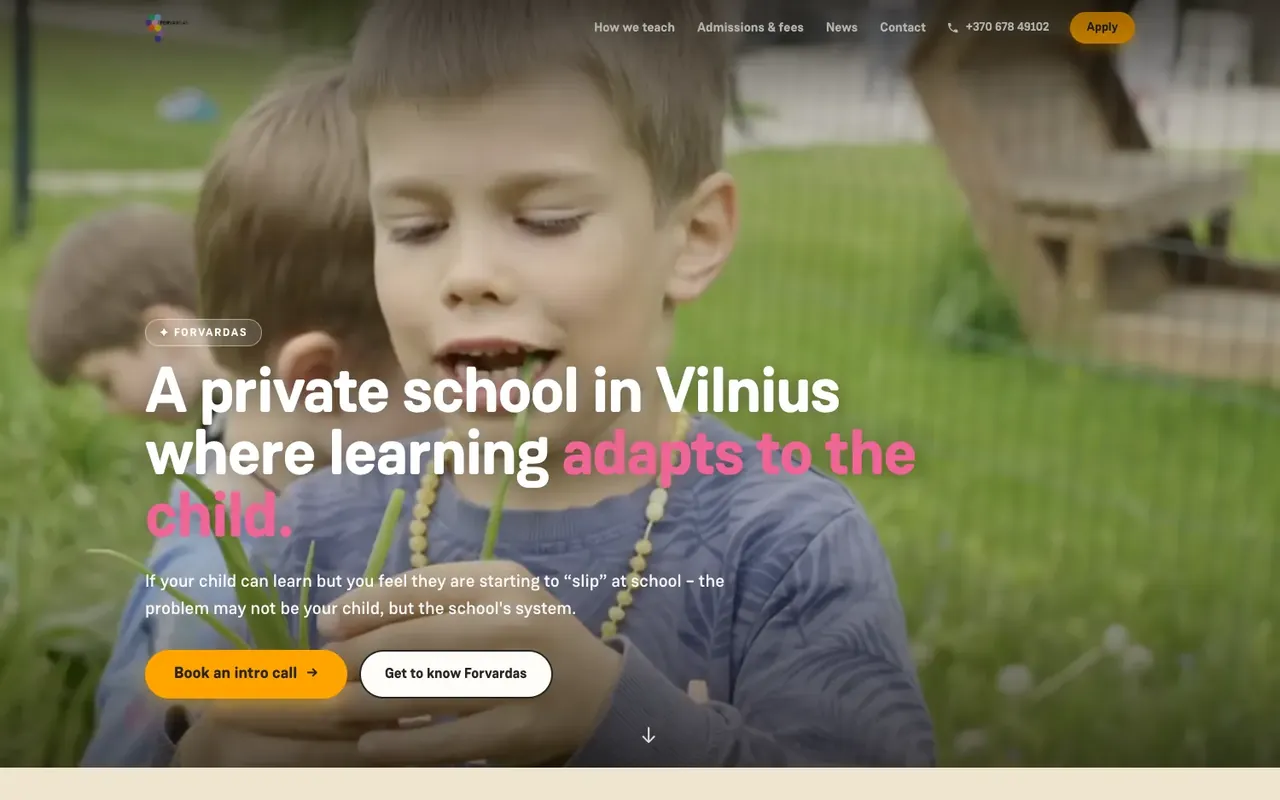
“An amazing team! They brought all of the school’s ideas and vision to life, quickly and to a very high standard! The redesigned Forvardas website improved our conversion rate and strengthened and refreshed the school’s image! Thank you!”
Raminta B.
Forvardas
Google review
“What sets There Is No Agency apart: they quickly understand how the business works and build the tool from there. No middlemen, no long chains of communication. We really value their ability to turn complicated things into simple ones. This is a team that doesn’t sell technology — it solves a specific business problem. Recommended.”
Vytautas K.
Google review
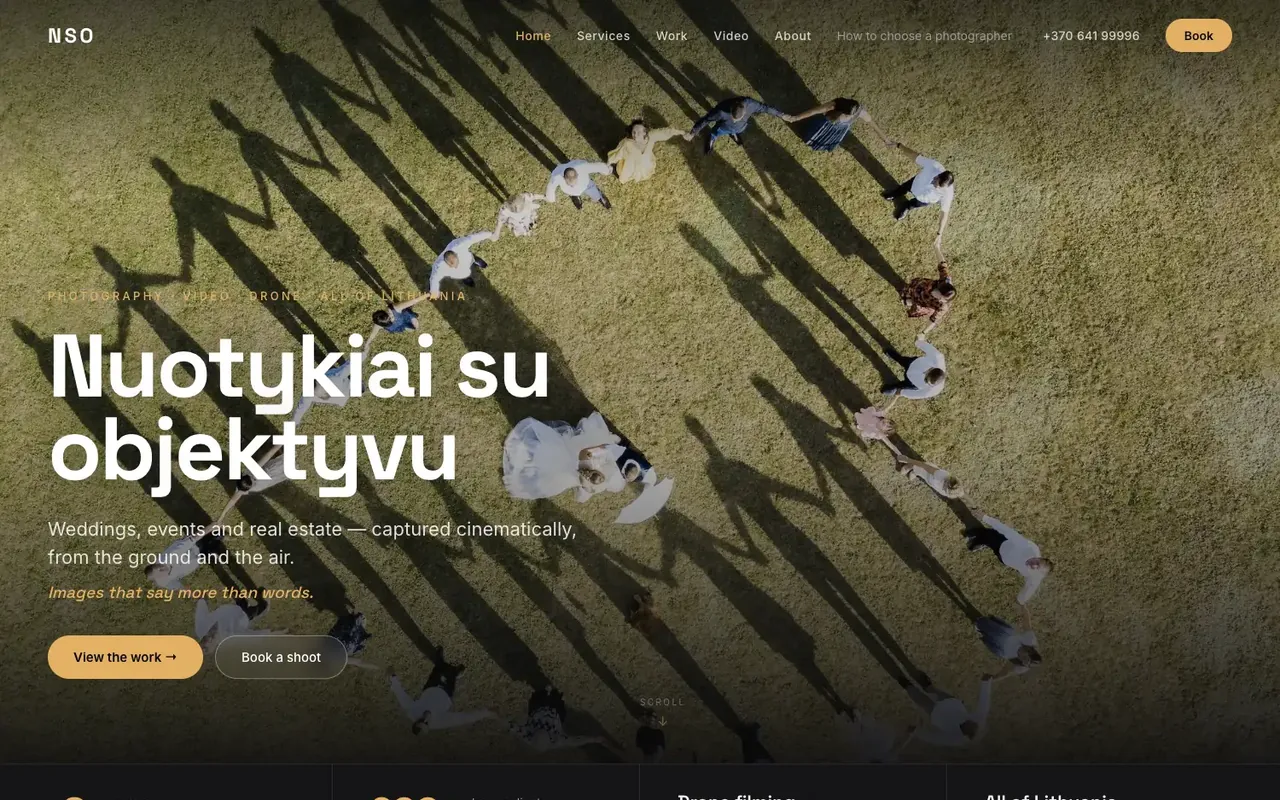
“They built a professional photography website and did an excellent job on the design, SEO and overall performance of the site. The whole process was smooth, my wishes were taken into account, and the result exceeded my expectations. I highly recommend them to anyone looking for quality website development.”
Nuotykiai su objektyvu
nuotykiaisuobjektyvu.lt
Google review
“Gave a thorough consultation about a website that wasn’t working properly, then fixed and updated it. Everything runs smoothly now. Recommended”
Lauryna O.
Google review
“I’m extremely happy with both the work and the service. He built my company’s website from scratch and still manages and maintains it. What I value most is that I can always rely on him. I sincerely recommend him to anyone looking for someone reliable who knows their work and takes it seriously.”
Aistė R.
What clients say
“An amazing team! They brought all of the school’s ideas and vision to life, quickly and to a very high standard! The redesigned Forvardas website improved our conversion rate and strengthened and refreshed the school’s image! Thank you!”
FAQ
Yes. The portal works in the phone’s browser, so employees don’t need to install an app. That matters for people who work in shifts and don’t have a work computer. Want an app?
Yes. Most companies start with onboarding or instructions, and we add requests, news and other parts later, when you need them.
You have the instructions and procedures; we move them into the portal and arrange them by section. We build the onboarding plans together with your HR team.
Everyone sees only what their role allows, and logins and changes are recorded in a log. The data is stored in the European Union and handled in line with the GDPR.
If your company already works with Microsoft 365, SharePoint may suit documents and news. A portal built for your company is worth choosing when you need your own onboarding plans, approvals and connections to an HR or accounting system. It can be connected to Microsoft 365, so employees log in with the same account.
It depends on the parts and connections you choose. We launch the first version in 1–5 weeks and give the exact timeline in the quote.