

- Each contract is created from a ready template. The client, the work and the amount change, and every clause stays in place.
- A signed contract is locked. It can no longer be changed, so it’s always clear what was signed.
- We ask for the advance payment with a pro forma invoice. For clients we build the same, only with signing and payment on their website.
Payments and contract signing on your website
The contract is drawn up from the order details, the client signs it with Smart-ID or Dokobit and pays straight away through Paysera, Montonio or Stripe. Once the money arrives, the system switches the service on and issues the invoice by itself.
We’ll reply within 1 working day.5.0 Google
We connect
- Paysera
- Montonio
- Stripe
- Smart-ID
- Dokobit
The status arrives by itself, even if the client never comes back to the website
Equipment rental agreementKėlimas Equipment Rental, No. NS-2611
Awaiting signature
Created
Created from order no. 2611
- Renter
- Ratas Construction
- Equipment
- Scissor lift, 10 m
- Period
- 12–14 November
Signed
KėlimasSigned automatically
Tomas KairysAwaiting signature
Paid
€570Rent €270 and deposit €300
Paysera
The link appears after signingInvoice SF-0412
Activated
Booking confirmationThe system does this by itself once the payment arrives. Nothing to press.
ClientContract sent by email
What you get at that moment
The contract was created from order no. 2611 and sent to the client. You didn’t have to retype anything.
Example: the businesses, names and amounts are made up. You set the template, the payment method and the next step.
What happens once the client says yes?
A client says yes in a minute, but it often takes days before the contract is signed and paid.
When everything is done by hand
- Word file
- Signing tool
- Bank statement
- Invoicing software
The client says yes. You copy an old contract and retype the details.
You send a PDF, the client signs it in a separate tool and emails it back.
You check the bank statement to see whether the advance payment has come in.
You switch the service on and issue the invoice.
Youretype the same details in four places and keep checking where the contract got stuck.
When contract and payment are linked
- Contract
- Signature
- Payment
- Invoice
The client confirms the order on your website.
The contract is created from the order details and sent for signing.
The client signs with Smart-ID and pays straight away.
Payment received: the invoice is issued and the service is on.
Yousee a signed and paid contract. You didn’t retype anything or check the bank.
How do signing and payment work?
You set up the template and the rules once. From then on the system draws up the contract, and the client signs and pays on their own.
-
You
Set up the template and rules once
Rental agreement template Once paid: confirm the booking, issue the invoice Save -
System
Creates the contract from the order and sends it
Contract NS-2611 Details from order no. 2611 Sent to the client -
Client
Signs with Smart-ID or Dokobit
Sign the contract Smart-ID on the phone or Dokobit in the browser Sign -
Client
Pays straight away through Paysera, Montonio or Stripe
€570 Bank link or card Pay -
System
Gets the status and takes the next step
Paid Invoice issued, booking confirmed
You choose the next step
Once the payment arrives, the system automatically:
- issues and sends the invoice
- switches the service on or opens access
- confirms the booking or reserves the item
- attaches the signed contract to the client’s record
- sends a reminder about an unpaid amount
- sends a reminder before the contract ends
- lets you or your team know
What happens when something goes wrong?
The system has a rule for each case, so a contract never gets stuck halfway. You only hear about what needs you.
Contract NS-2611Kėlimas Equipment Rental
Awaiting payment
Example: the same rental agreement as above.
What the system does
The payment failed: the client cancelled it at the bank.
The contract stays signed and waits for payment. The booking isn’t confirmed.
The client is shown a new payment link straight away, and it’s also sent by email.
If it’s still unpaid, the client gets a reminder.
Payment received, invoice issued and sent.
Booking confirmed.
What you doNothing. You only get a notification if the client doesn’t pay within the time you set.
Contract NS-2611Kėlimas Equipment Rental
Partly paid
Total €570: rent and deposit
What the system does
€300 of €570 received: the client transferred only the deposit.
The contract is marked “Partly paid”. The booking is held but not confirmed yet.
The client is sent a link for the rest: €270.
If the balance is still unpaid, the client gets a reminder two days before the rental.
€270 received, paid in full. Invoice issued.
Booking confirmed.
What you doYou see how much has been paid and how much is missing. No adding up, no emailing the client.
Contract NS-2611Kėlimas Equipment Rental
Signed 1 of 2
When you sign the contract too
What the system does
The renter has signed. The contract doesn’t have your signature yet.
The contract isn’t valid yet: the client isn’t shown the payment link, and the booking isn’t confirmed.
You’re sent an invitation to sign, and a reminder later if needed.
Both sides have signed. The final file with both signatures is back in the system.
The client is shown and sent the payment link.
What you doYou sign on your phone with Smart-ID whenever it suits you. You see at once who hasn’t signed yet.
Contract NS-2611Kėlimas Equipment Rental
Awaiting payment
The client pays at the bank
What the system does
The client pays at the bank but closes the window afterwards and never comes back to the site.
Paysera tells the system about the payment directly, not through the client’s browser.
The contract becomes “Paid”: the invoice and the confirmation are emailed to the client.
Booking confirmed. The payment doesn’t get stuck among the “unpaid”.
What you doNothing. No hunting for the payment at the bank or emailing the client to ask whether they really paid.
Before launch we test all of these cases without real money: a successful, a failed and a partial payment, a refund, and the same notification arriving twice.
Which payments and signatures does it work with?
You choose the providers. We join them into one flow on your website or in your system.
Payments
The client pays by bank link, by card or against a pro forma invoice.
- PayseraBank links, cards and the Paysera wallet
- MontonioBank links, cards and paying in instalments
- StripeCards, Apple Pay and Google Pay, monthly payments
- Pro forma invoiceWith a payment link right in the invoice
Signing
A qualified electronic signature, as valid as one signed by hand.
- Smart-IDSigning on the phone
- DokobitSeveral parties, Mobile-ID or an ID card
- ProofShows who signed which version of the contract, and when
Where it works
On your website, in your e-commerce store or in your internal system.
- WordPressYour existing website
- WooCommerceAn e-commerce store with contracts attached to orders
- Your systemA CRM, booking or client system
- A new websiteWhen we build it
Who is it worth it for?
If you have only a few contracts, a system isn’t worth paying for: the Dokobit or Smart-ID portal is enough. We’ll tell you that honestly.
Worth it if
- you sign a contract with every client before a job, a rental or a training course
- you take an advance payment or a deposit and wait for it to arrive
- your contracts are alike: only the client, the dates and the amount change
- after payment you switch something on by hand: access, a booking or a subscription
A separate tool is enough if
- you sign a few contracts a month
- every contract is written from scratch and agreed separately
- payments come in rarely, and checking them at the bank doesn’t bother you
Not sure which one is you? Tell us how you work now
Do you use a system like this yourselves?
We handle our own clients’ contracts exactly this way: from one template in our system, not by copying old ones.
What does the price of a payment and signing system depend on?
The price depends on whether you already have a website. We give you the exact price after a short call.
-
Connect contracts and payments on your existing website or system
Payments and contracts
A contract template based on your current contract, signing with Smart-ID or Dokobit, payment through Paysera, Montonio or Stripe, statuses and the next step: the invoice, switching the service on, reminders.
-
Build a new website with payments and contracts
Website with payments and contracts
When we build your website, this part costs less, because it’s built together with it.
-
Connect only payments or only signing
Payments or signing
Paysera, Montonio or Stripe payments with statuses on your website, or contract signing with Smart-ID and Dokobit. You can join the two later.
Included in the build
- Contract template based on your current contract
- included
- Help opening Paysera, Montonio or Dokobit accounts
- included
- Test payments and signatures
- included
Once it’s live
- Payment feesper payment
- at Paysera, Montonio or Stripe ratespaid directly to the provider
- Signing feesper signature or monthly plan
- at Dokobit or Smart-ID ratespaid directly to the provider
- Our commission
- 0%you pay us nothing on payments or signatures
- Care and fixesmonthly
- included in your website care planwithout a plan, we agree the price separately
How we set it up
in 1–5 weeks- Call and quoteYou tell us how you draw up contracts and take payments today. We usually send the price within 1 working day.
- Accounts and templateWe help you open the provider accounts and turn your contract into a template.
- We connectSigning, payment and the next step are joined up on your website or in your system.
- We testTest payments and signatures, including a failed and a partial payment.
- We launchWe show you where to see the status of every contract.
What clients say
5.0 Google

Google review
“An amazing team! They brought all of the school’s ideas and vision to life, quickly and to a very high standard! The redesigned Forvardas website improved our conversion rate and strengthened and refreshed the school’s image! Thank you!”
Raminta B.
Forvardas
Google review
“What sets There Is No Agency apart: they quickly understand how the business works and build the tool from there. No middlemen, no long chains of communication. We really value their ability to turn complicated things into simple ones. This is a team that doesn’t sell technology — it solves a specific business problem. Recommended.”
Vytautas K.
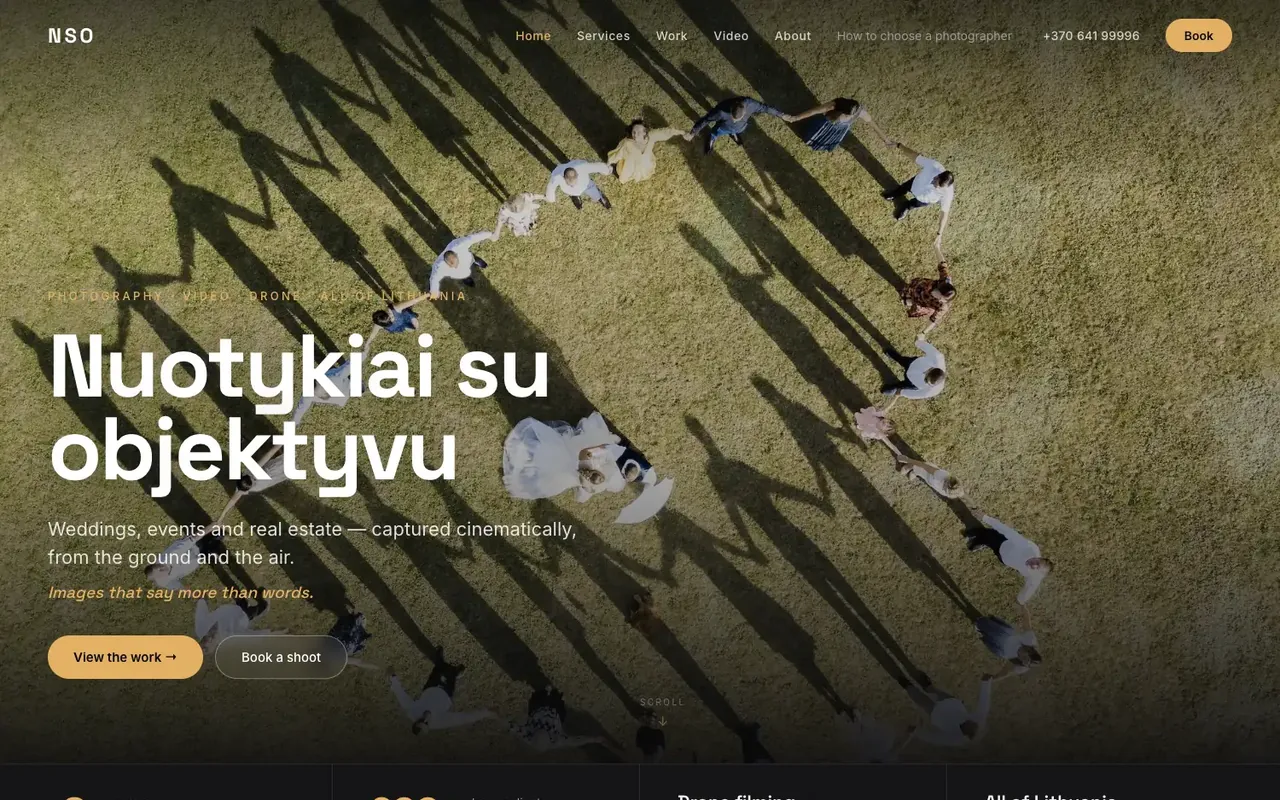
Google review
“They built a professional photography website and did an excellent job on the design, SEO and overall performance of the site. The whole process was smooth, my wishes were taken into account, and the result exceeded my expectations. I highly recommend them to anyone looking for quality website development.”
Nuotykiai su objektyvu
nuotykiaisuobjektyvu.lt
Google review
“Gave a thorough consultation about a website that wasn’t working properly, then fixed and updated it. Everything runs smoothly now. Recommended”
Lauryna O.
Google review
“I’m extremely happy with both the work and the service. He built my company’s website from scratch and still manages and maintains it. What I value most is that I can always rely on him. I sincerely recommend him to anyone looking for someone reliable who knows their work and takes it seriously.”
Aistė R.
What clients say
5.0Google
Google review
“An amazing team! They brought all of the school’s ideas and vision to life, quickly and to a very high standard! The redesigned Forvardas website improved our conversion rate and strengthened and refreshed the school’s image! Thank you!”
FAQ
Yes, your business will need a contract with a signing service, most often Dokobit: through it, clients sign with Smart-ID, Mobile-ID or an ID card. Your clients don’t need anything extra, and we help you open the account.
You pay the providers directly, at their rates: payment providers take a share of each payment, and the signing provider charges per signature or for a monthly plan. You pay us no commission on payments or signatures.
Usually yes: on WordPress, WooCommerce or your own custom system. If the website is very old, we’ll tell you up front what’s worth doing and what it will cost.
The contract stays signed and waits for payment, and the client gets a new payment link straight away. If they don’t pay, the system sends a reminder by itself, and the service isn’t switched on until the money arrives.
The final file with all the signatures comes back into your system and is attached to the client’s record. You can see who signed which version of the contract and when, and a signed contract can no longer be changed.
For clients in Lithuania, paying by bank link is usually easiest, so Paysera or Montonio fit well. Stripe is worth choosing when people pay by card, pay monthly, or your clients are abroad. You can also connect more than one.