Training platform for your company (LMS)
Courses, tests, staff progress and certificates in one place: employees learn on a phone or a computer, and you see who has completed what and whose certificate is about to expire.


- Certificates are issued automatically
- An audit report in one click
A forklift is coming your way. What do you do?
Where can you walk in the warehouse?
You get hurt at work. What do you do?
Test passed
3 of 3 correct. Pass mark: 2 of 3.
- No.
- LC-2026-0412
- Issued
- 2026-11-13
- Valid until
- 2027-11-13
- Paulius M.In progress, 3 of 5 modules
- Ieva S.Completed 2025-12-04, test 10 of 10, valid until 2026-12-04
- Darius K.Not started, deadline passed 5 days ago
- Tomas B.Completed 2026-02-11, test 9 of 10, valid until 2027-02-11
Every row with the date, the test result and the certificate number. Downloadable as PDF or Excel.
Everyone’s training in one table: who has finished, who is still learning, who is late and whose certificate will expire soon.
Example. The company, employees, courses and questions are made up.
How do you prove today that training took place?
Training records often live in an Excel sheet, the material is kept in different places, and evidence for a labour inspection or an ISO audit has to be hunted down.
Without a platform
The same training is given each time by whoever has time that day.
The training record in Excel is filled in when someone remembers.
Evidence that the training took place is searched for in folders and emails.
A certificate expires, and nobody finds out until it’s too late.
Only one person knows who has completed what.
With a platform
Gets the course on their phone and completes it at their own pace.
The table fills itself in: you see who has finished and who is late.
You download a report with dates and test results in one click.
Before a certificate expires, the employee and their manager get a reminder.
Courses, tests, progress and certificates in one place.
Who is a training platform for?
The same platform works for training your own staff and for selling courses to clients.
Employees learn, and you see the result
Courses are assigned by department and role, so everyone sees only what they have to learn.
- New employee courses
- Mandatory safety training with certificates
- Product and service training
- Knowledge checks and upskilling
- Training for partners and agents
Courses sold on your website
A client registers, pays and gets access to the course straight away, and on completing it gets a certificate with your logo.
- A course catalogue on your website
- Registration and online payment
- The invoice is issued automatically
- Access opens after payment
- Courses for company groups
How does training work on the platform?
The whole chain in one place: course, test, progress and certificate. Your work: upload a course once and assign it to a group.
A course made of modules
Videos, documents and tasks are grouped into modules that open one after another.
- Videos, PDFs and slides
- Modules open one at a time
- Access by group, department and role
- Courses work on a phone
A knowledge check after each module
The test shows whether a person understood the material, not just opened it. You set the pass mark.
- Questions with one or several answers
- Pass mark per course
- Retakes if they fail
- Results and number of attempts
The manager sees who has finished and who is late
The table fills itself in, and reminders go to anyone running late without you.
- A table by people and courses
- Filters: late, finished, not started
- Reminders go out automatically
- Audit report as PDF or Excel
Certificates with an expiry date
When a test is passed, the certificate is issued automatically, and before it expires the course is assigned again.
- A certificate with your logo and number
- Expiry date per course
- Warnings before expiry
- Check by certificate number
What does the platform connect to?
The platform runs at your website’s address and connects to the systems you already use.
Login
Employees log in with the company account, and clients with their email address.
- Microsoft 365
- Google Workspace
Payments
For selling courses: payment by card or bank transfer, and the invoice is issued automatically.
- Paysera
- Montonio
- Stripe
CRM and HR
Participants go into your CRM, and the staff list comes from your HR system.
- HubSpot
- Pipedrive
- HR system
We connect through the systems’ APIs. If your system isn’t on the list, we check it during the first call.
Moodle or a platform built for you?
Most companies install an existing system. We build a platform around how your training works.
What can we build for your company?
We build a training platform for one company: around your courses, procedures and systems. You choose the parts you need now, and we add the others later.
Courses
- Modules with videos, documents and tasks
- Courses by group, department and role
- A course catalogue and registration
- Several languages
- Moving existing courses
Tests and tasks
- Tests after a module and at the end of a course
- Pass mark and retakes
- Questions in random order
- Practical tasks approved by a manager
- Statistics on the questions people get wrong most often
Progress and reports
- A table by people and courses
- Reminders for anyone running late
- Manager and department reports
- Audit report as PDF and Excel
- Training history in the employee’s record
Certificates
- Certificates with a number and your logo
- Expiry date per course
- Warnings before expiry
- The refresher course is assigned automatically
- Check by certificate number
Selling courses
- Registration and online payment
- Invoices issued automatically
- Group and company orders
- Gift vouchers
- Access opens after payment
Login and connections
- Login with the company account
- Your website, CRM and HR system
- Payment systems
- Emails to participants
- Permissions by role
Who sees what on the platform?
Everyone sees only their own courses and what they are responsible for.
Sees their courses, deadlines and certificates. Learns on a phone or a computer.
Sees
- Their courses and deadlines
- Test results
- Their certificates
Can
- Learn at their own pace
- Retake a failed test
- Download a certificate
Sees their team’s progress and whose certificate is expiring.
Sees
- The team’s progress
- Who is late
- Whose certificate is expiring
Can
- Assign a course
- Remind an employee
- Download a report
Manages courses, groups and reports for the whole company.
Sees
- All courses and participants
- Test statistics
- All reports
Can
- Create and edit courses
- Set pass marks
- Manage groups and permissions
Prepares the material for their courses and grades practical tasks.
Sees
- Their courses’ participants
- Answers to open tasks
- Participants’ questions
Can
- Upload material
- Grade practical tasks
- Answer participants
What does the company get?
- A platform at your own address
For example, training.yourcompany.com, with your logo and colours.
- The code and the data
The platform is built for your company, and its code and data belong to you.
- Training for administrators
We show how to create courses and tests and download reports.
- Upkeep
We update and maintain the platform and add new parts when you need them.
Launch
in 1–5 weeks- Needs analysisWe find out what training you run, who completes it and what evidence auditors ask for.
- PrototypeWe show you how a course, a test and the table will look before we build them.
- We build it and move your coursesWe build the platform and move your material and tests into it.
- We launch and trainWe switch the platform on and train your training administrators.
- Your current course material
- A list of employees or participants
- Someone responsible for training
- A sample certificate, if you have one
Who is a training platform for?
Anyone who trains a lot of people and needs to know who has completed what.
Companies with mandatory training
When you have to prove that employees have completed safety or quality training and that their certificates are valid.
Training companies
When you sell courses to clients and want registration, payment and certificates in one place.
Companies that hire often
When the same new employee course has to be run every month.
Partner and agent networks
When not only your employees but also your partners need to know your products.
What clients say
5.0 Google
Google review
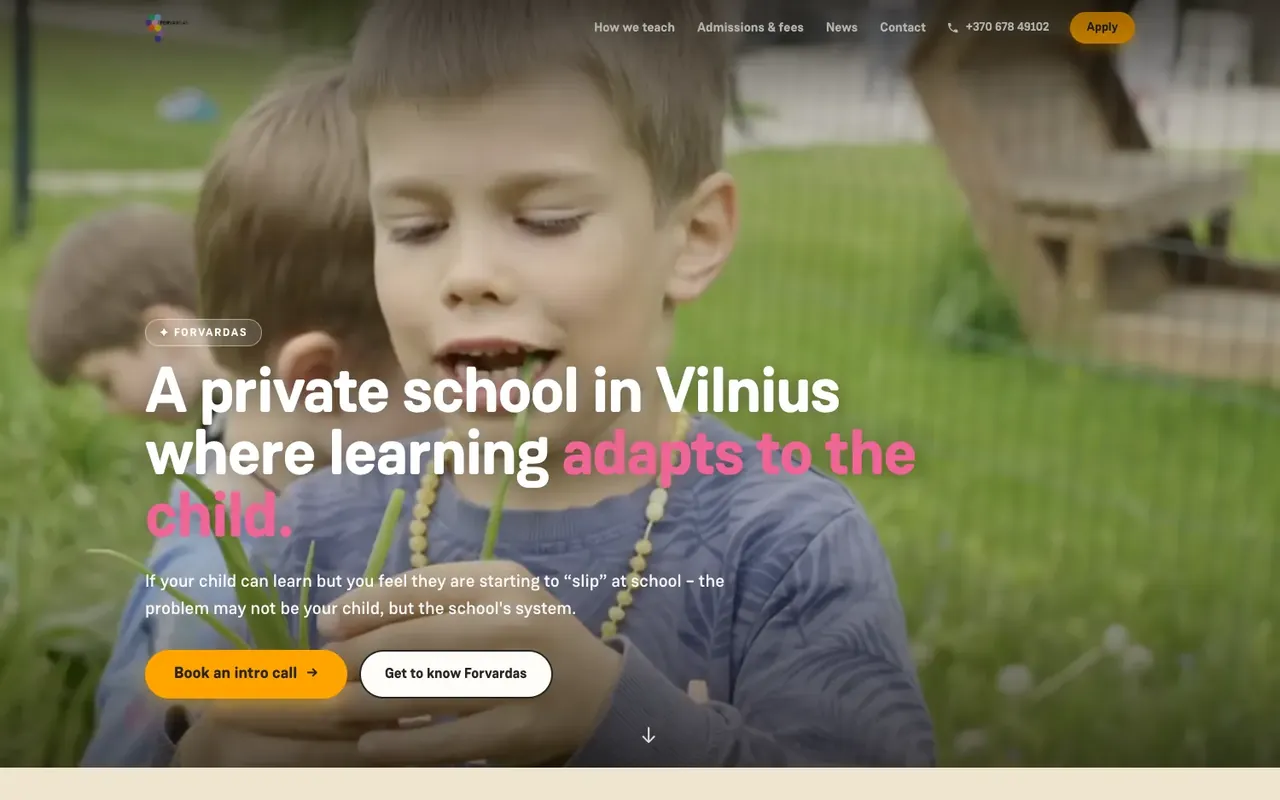
“An amazing team! They brought all of the school’s ideas and vision to life, quickly and to a very high standard! The redesigned Forvardas website improved our conversion rate and strengthened and refreshed the school’s image! Thank you!”
Raminta B.
Forvardas
Google review
“What sets There Is No Agency apart: they quickly understand how the business works and build the tool from there. No middlemen, no long chains of communication. We really value their ability to turn complicated things into simple ones. This is a team that doesn’t sell technology — it solves a specific business problem. Recommended.”
Vytautas K.
Google review
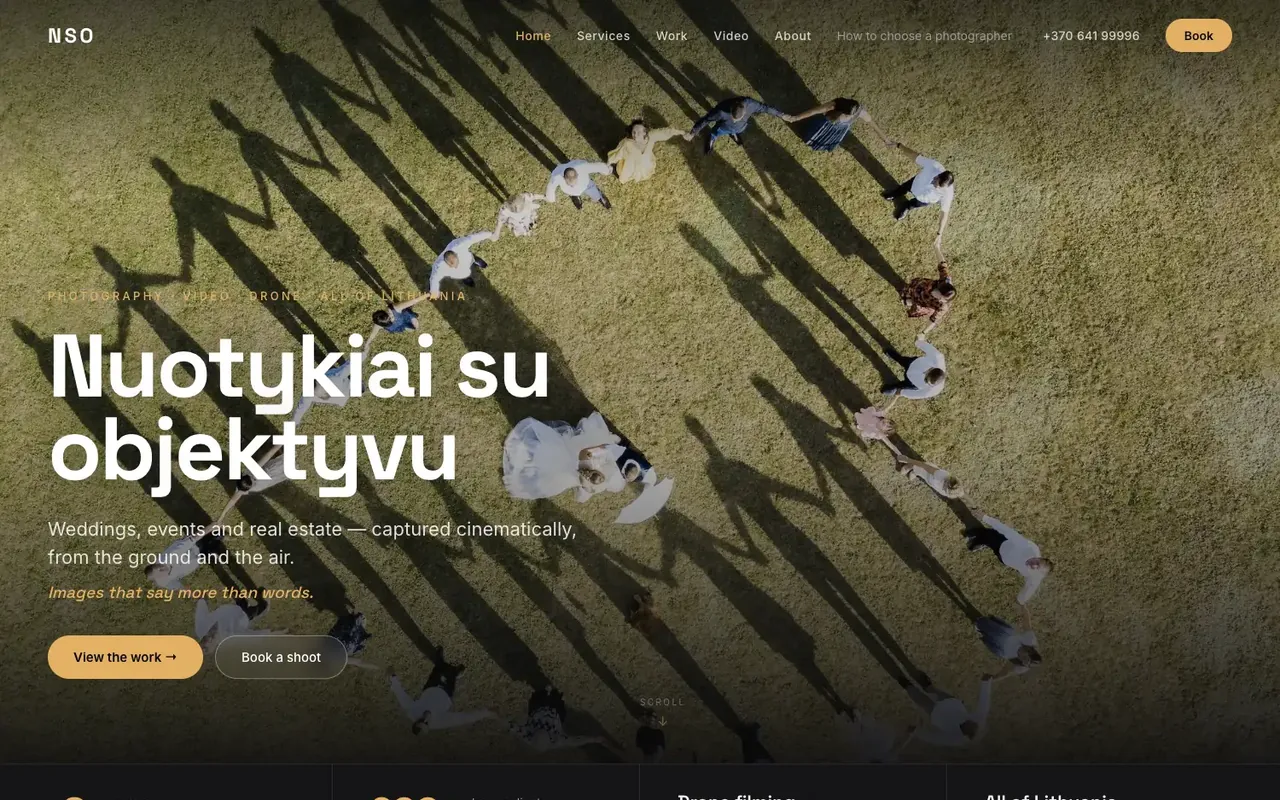
“They built a professional photography website and did an excellent job on the design, SEO and overall performance of the site. The whole process was smooth, my wishes were taken into account, and the result exceeded my expectations. I highly recommend them to anyone looking for quality website development.”
Nuotykiai su objektyvu
nuotykiaisuobjektyvu.lt
Google review
“Gave a thorough consultation about a website that wasn’t working properly, then fixed and updated it. Everything runs smoothly now. Recommended”
Lauryna O.
Google review
“I’m extremely happy with both the work and the service. He built my company’s website from scratch and still manages and maintains it. What I value most is that I can always rely on him. I sincerely recommend him to anyone looking for someone reliable who knows their work and takes it seriously.”
Aistė R.
What clients say
“An amazing team! They brought all of the school’s ideas and vision to life, quickly and to a very high standard! The redesigned Forvardas website improved our conversion rate and strengthened and refreshed the school’s image! Thank you!”
FAQ
Moodle suits you if you have someone to look after it and its features are enough. A platform built for you is worth choosing when training has to follow your procedures, you sell courses to clients, or you need connections to your website and systems.
Yes. We move videos, documents, slides and test questions. If the courses are in another system, we first check in what format they can be exported from it.
Yes. Courses can be taken in the phone’s browser, with no app to install. That suits people who work in shifts. Want an app?
You or your trainers prepare the content, and we put it into courses and tests. If there is no content yet, we help you put it together from your instructions and presentations.
Yes. We set up a course catalogue with registration and payment on your website, and the invoice and course access are sent to the participant automatically.
It depends on the number of courses and connections. We launch the first version in 1–5 weeks and give the exact timeline in the quote.